Account and billingAccount & Login
Register a new account and confirm
-
You can create a new account by clicking on "FREE TRIAL" on the top right of the website. (During the beta phase, we will send you an invitation.)

-
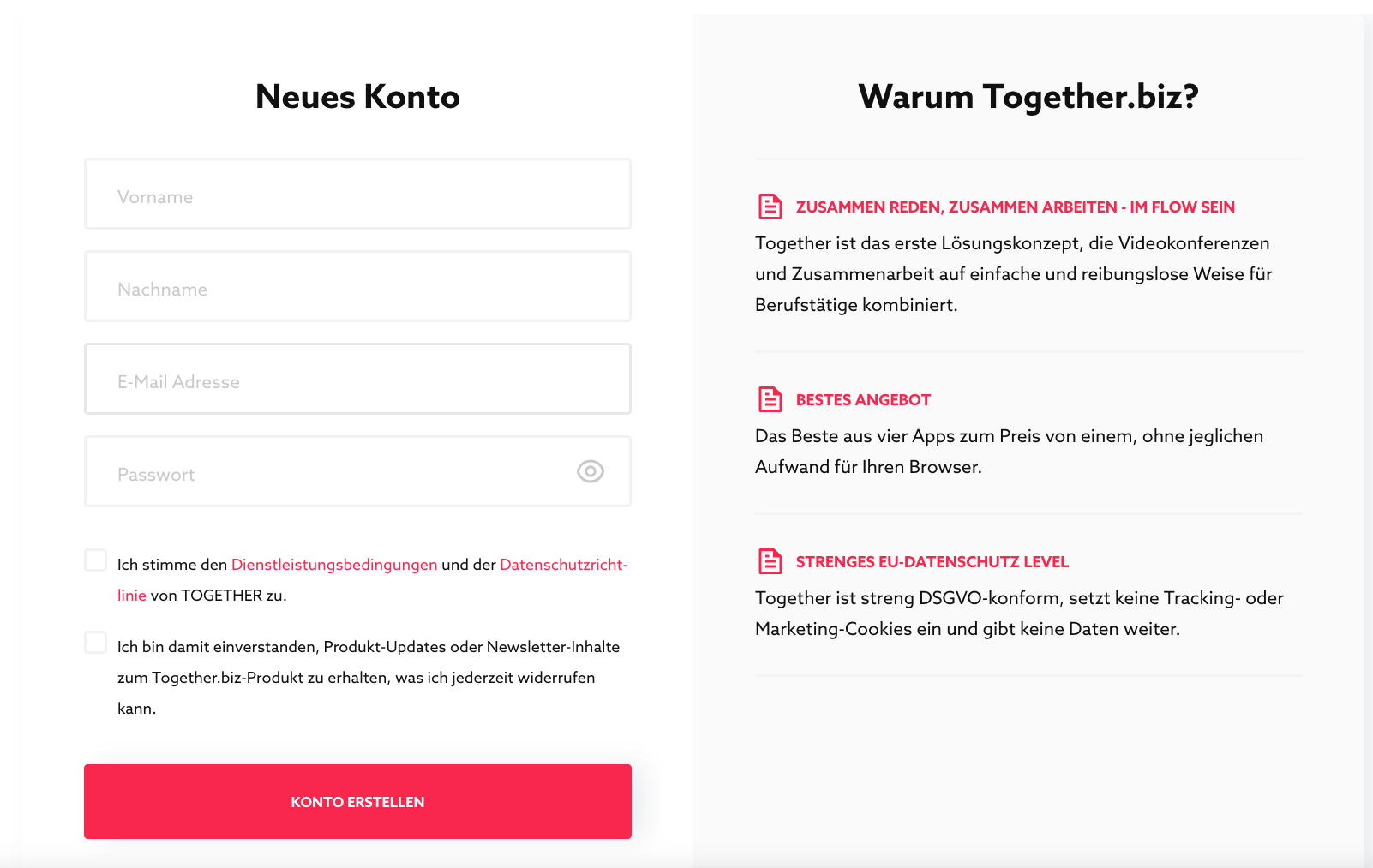
From here, the dialog appears where you can create a new account. Please fill in all fields and accept our terms of service (top checkbox). With "CREATE ACCOUNT" you will get an account. However, you will only get a room after you have confirmed your email address. You will find the link for confirmation in your mailbox. (We ask for your understanding for this small hurdle, we do not want spam in the room and also no trolls and the like.)
If you see a message that you are using a not supported browser, see here
- You will then get to the room list and we have already set up your first own room.
- You can log out via the icon on the top right (in the dialog that appears), but this often doesn't make sense. Those who work a lot with Together appreciate being able to switch between rooms easily, even to write alone. You leave a room with the door symbol at the bottom right and then land in the room list.
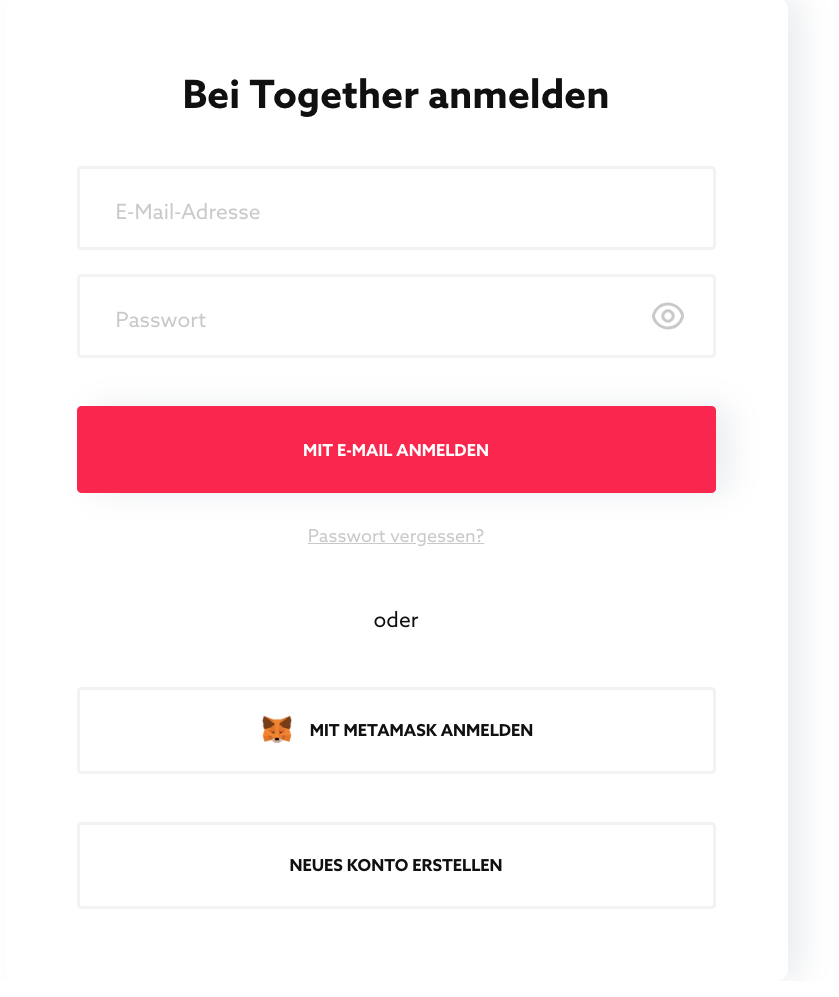
- If you still want to log in again, here is the dialog. Easy mobisi.
Published Oct 2, 2026