Rooms and meetings
Private Journal
Your Private Journal cannot be seen or edited by others. You can open it in any room by clicking on the pen icon in the lower button bar (control panel).
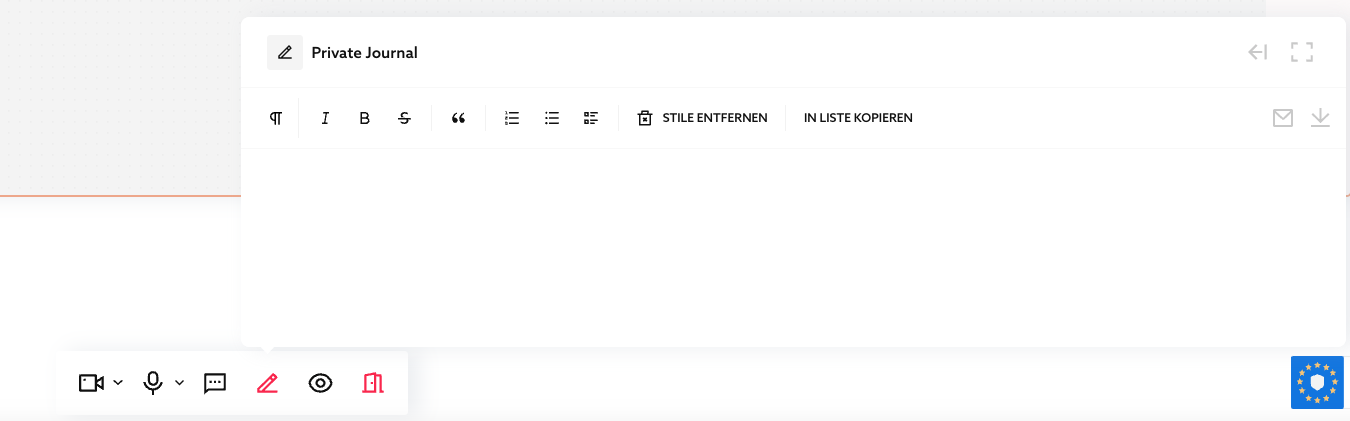
You can resize the journal with the dottet rectangle button on the upper right.
You can move the journal with the arrow button on the upper right to the left or right side of your browser window.
The journal is for your own notes. If you want to show the content to others, click "COPY TO LIST".

Exactly this one journal is available to you in all rooms, so you always have it with you like a little book. You can also store long texts there. The journal is also available to you outside of rooms, namely on the overview page in the "Contents" area.

Published Oct 2, 2026