ID Verification
Have you ever had doubts about who you are sitting with? Many have the camera off and appear in the room with nicknames. Do you know who you are discussing sensitive topics with? To prevent abuse of trust, Together has the option of identity verification. In this case, a short session is conducted by a Together employee or contractor, during which an official identification document must be presented. If this is successful, the name on the identification document will be visible to all room users. It appears as a blue icon with a white checkmark on the video of the respective person.
Every verification goes through the following steps:
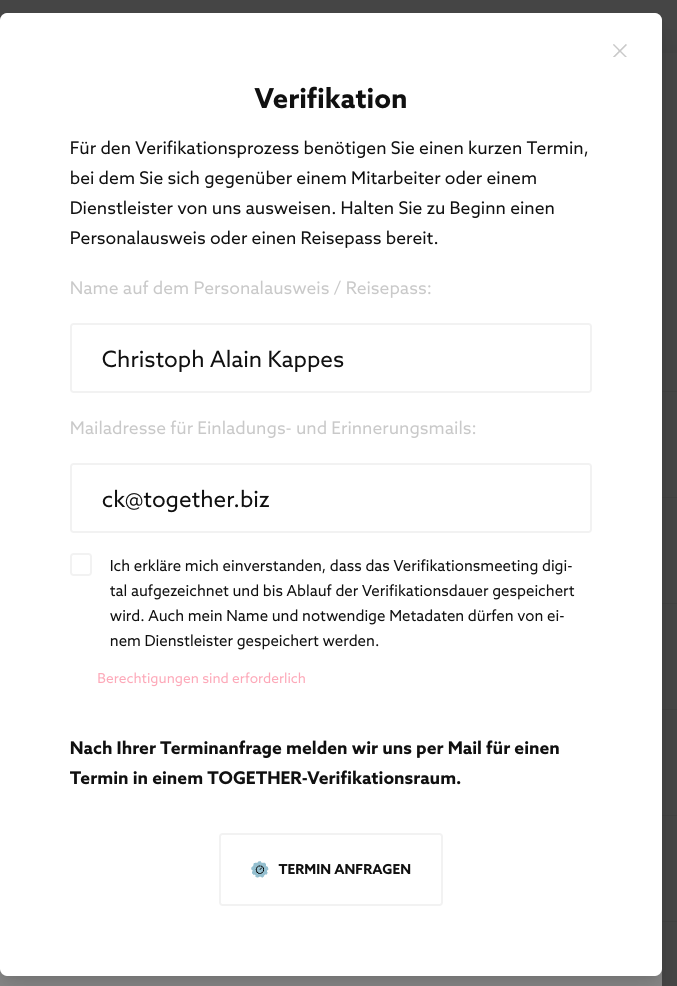
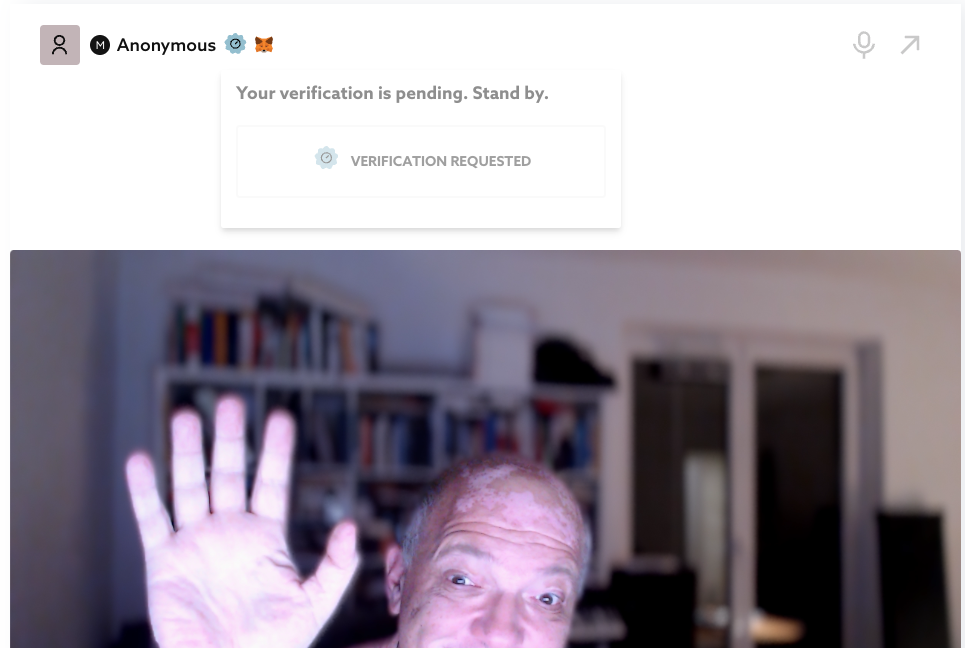
- You request a verification
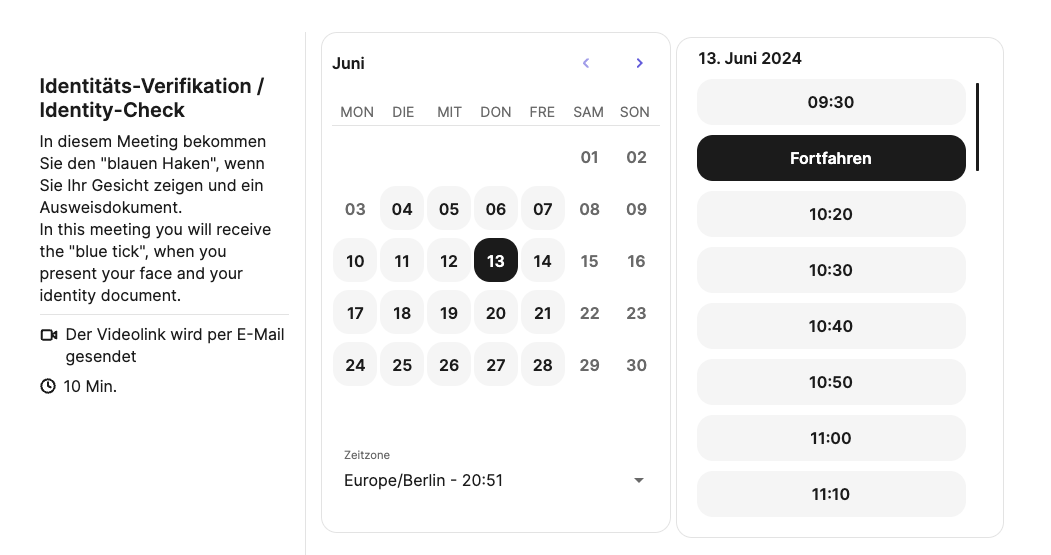
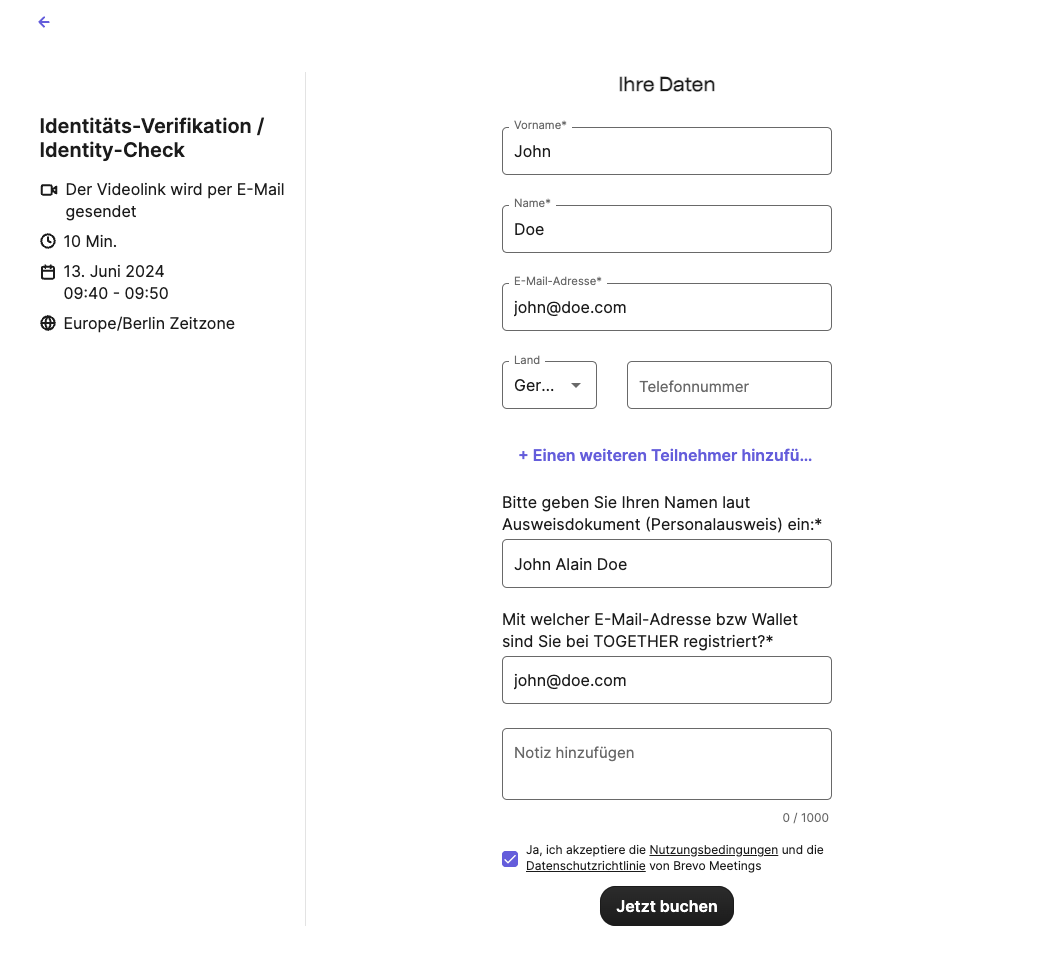
- You choose a date for a live session
- In a live session, you must show an official ID
- The verification is granted for one year.
The verification is particularly useful in combination with other features of Together, such as named votes and explanations. Together then also stores the verification information.
How other users recognize a verification
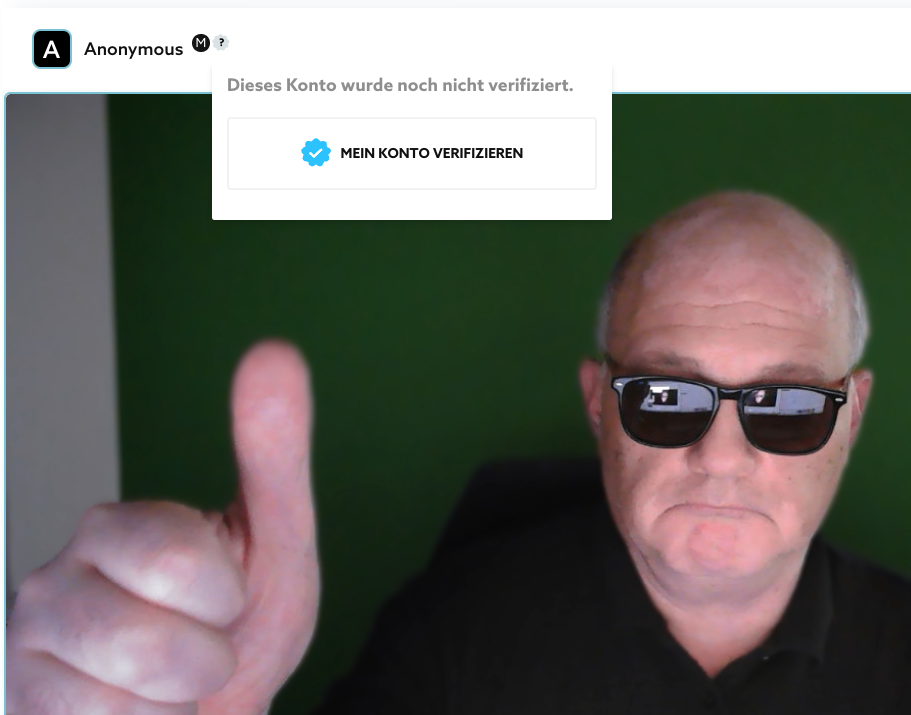
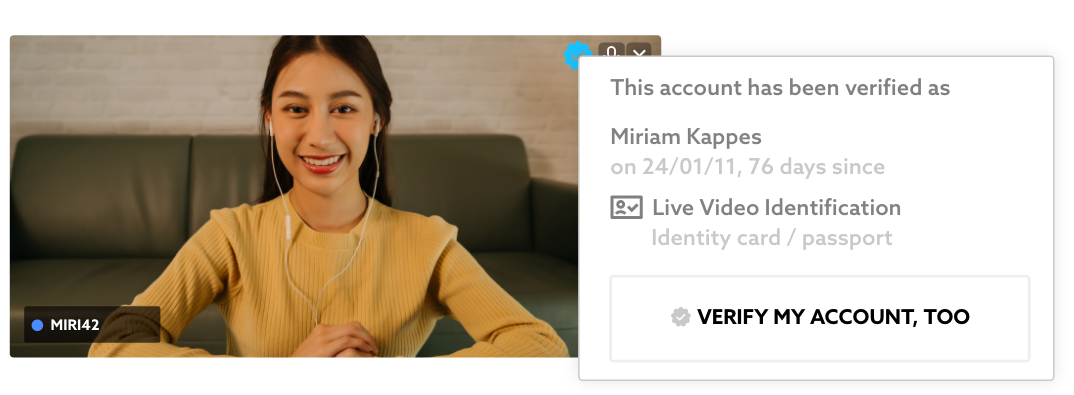
In a room, you see a white tick on a blue background on people's video cards. When you hover over it with the mouse, you see some information about the person's verification, e.g. the date of the verification.


Anyone who moves the mouse over the tick will see the identity card name on which this person was verified. In addition, Together shows when this was, how many days ago it was, and what procedure was used:
How to verify your Together account
Every user can request verification. This verification is valid for one year.
After the beta, however, this will only be possible for paying users (PRO Plan).