Wallet-Login
Wallets are an alternative to e mail logins and are
- more secure (you cannot spread a password, it cannot be hacked or social engineered)
- more convenient (as an invited user you are directly routed to you first room) There a three use cases:
Give a wallet user access to a room
You can learn how someone with a wallet gets access to a room here. (The user does not get an invitation but the system saves his/her access rights. You have to inform this user by yourself in a way you like.)
Accessing a room as a user with a wallet
If you have been informe by someone that your wallet has access, you can easily get into the room by clicking on the button with the Metamask logo on the Together website or in the app login.

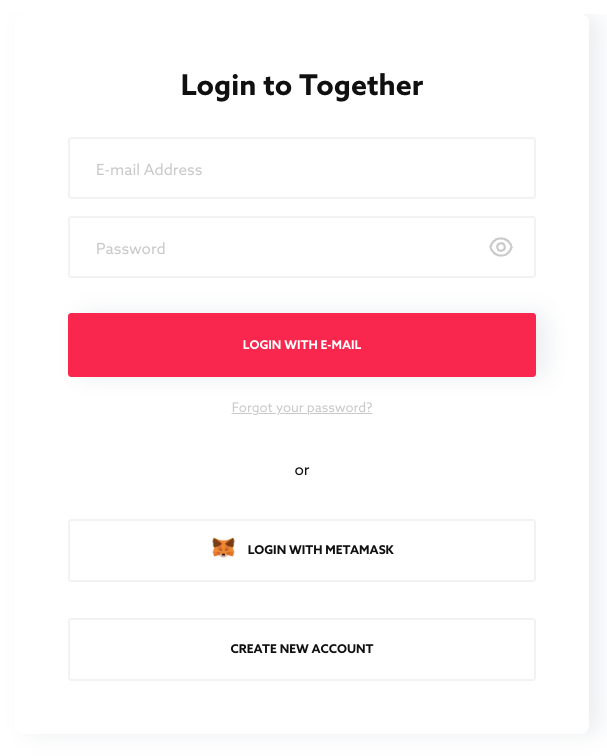
The system will then guide you directly into the room. If you already have access to other rooms, you will see the new room in the room list.
Receiving Emails as a Wallet User
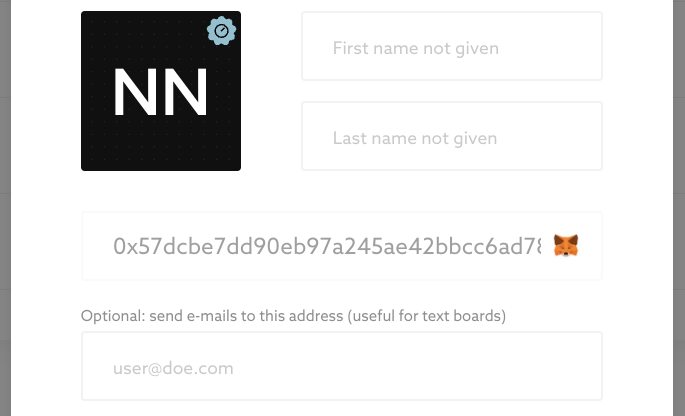
Attention: Together strictly separates email accounts from wallet accounts. You cannot merge them. If you want to receive mails from Together, for example textboards by mail, then enter your e-mail address in the wallet account.
Roadmap
We would love to implement more crypto features, especially making decisions and minutes provable by an entry in the polygon blockchain. If you like this too, let us know.
Published Oct 2, 2026