Minutes
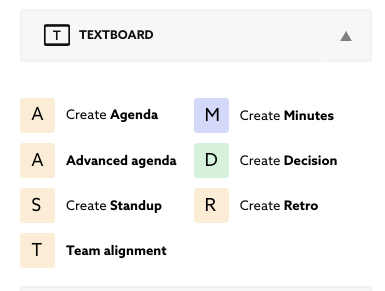
You will find the minutes template by clicking on the traingle button right to creating a text board:
The blue “M” Icon with “Create Minutes”.
The functionality is similar to that of all textboards. Everyone can write and download content or send it to other users of Together, including actual attendees or room users with permission who are not currently in the room.
Important: One of the most powerful functions of Together is the ability to immediately send the text content by mail. Therefore, check the content with all participants to ensure that the text is complete, error-free, and contains all necessary actions. If everything is correct, obtain approval from the participants and send the minutes once the board is final.
Published Oct 2, 2026