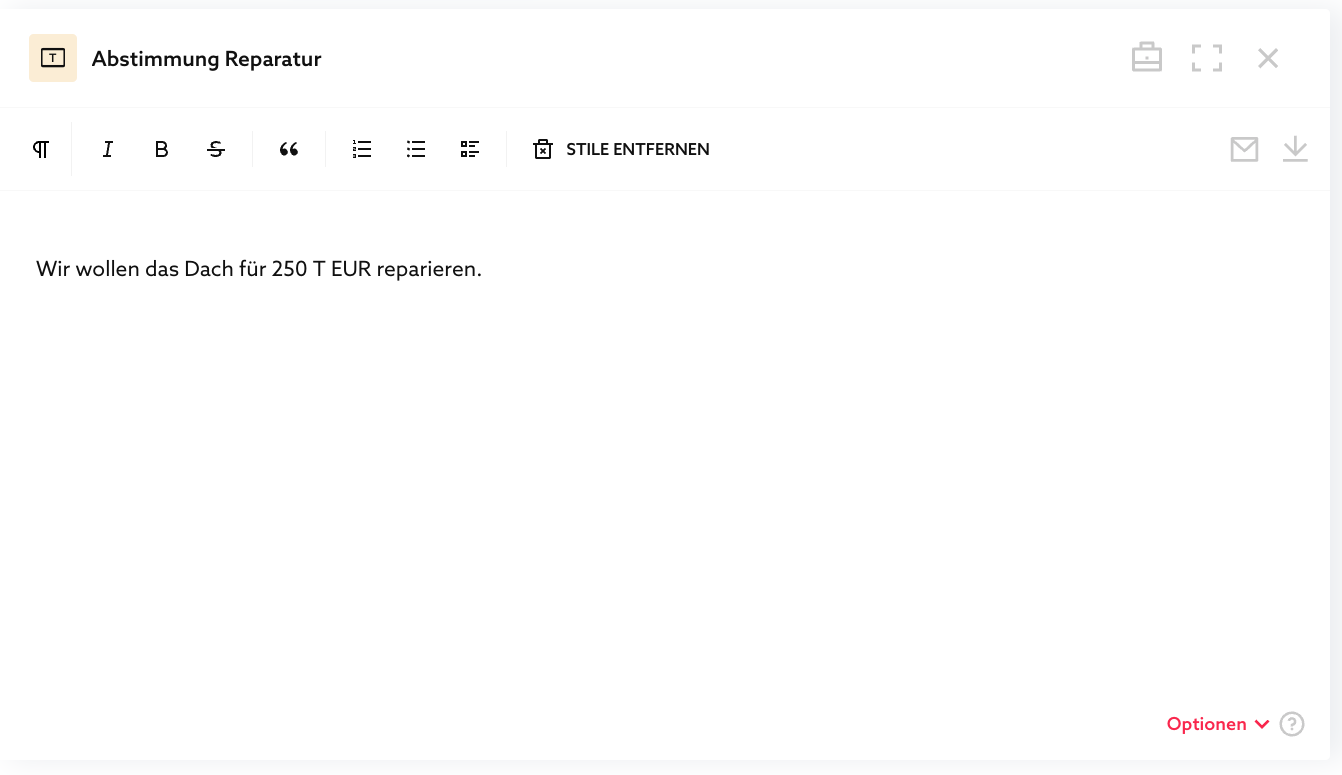
Votings & Declarations
What you can do with "Declarations & Votes"
These functions allow moderators to have themselves and others vote on text board content or make declarations. This allows both to be well documented, which already has an effect on the process up to the documentation:
- Minutes are voted on and the result is documented,
- Simple agreements such as consulting contracts and letters of intent can be made and are documented (complex documents will follow in the roadmap),
- Documentation of concepts, project scopes, work statuses, and bug lists can be approved and is documented.
- Unilateral declarations such as data protection declarations and WphG declarations can be submitted in a verifiable manner. Voting:
Several people (at least two) should comment on the content of a text board. Each user has one vote. At the end of the vote, the votes are counted.
Example: "I vote NO / YES / ABSTAIN"
Declarations:
At least one person should make a declaration, for example, their consent or a statement (e.g., data protection consent, client agreement, NDA, WpHG declaration).
Example: "I declare that I have read and agree to these terms and conditions."
Since both functions are very similar, we have combined them.
We are still collecting user feedback and reserve the right to revise this function. In extreme cases, this may mean that we will change voting structures in the programming, which will then make migration of old votes problematic. We estimate that we will be able to move from the experimental phase to the final release in March.
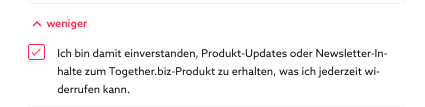
So that we can notify you of any changes by email, we ask for your permission if you have not already done so during registration. In the account at the top right, there is an account dialog and a checkbox for this under "show more."
How "Explanations & Coordinations" work
Phase 1: One person starts the process
Phase 2: Those authorized vote or submit a declaration
Phase 3: The process is complete and can no longer be revoked by anyone